Note taking
There are tons of different ways to take notes. Here are some resources and some workflows on taking notes.
notes documentation bibliography notetaking

BBEdit is the leading professional HTML and text editor for macOS. This award-winning product has been crafted to serve the needs of writers, Web authors and software developers, and provides an abundance of features for editing, searching, and manipulation of prose, source code, and textual data.
BBEdit offers a 30-day evaluation period. During that period, all of BBEdit’s features are available. When it ends, you can still use BBEdit — with no nag screens or unsolicited interruptions, for free, forever.
Curator noteThe free version is awesome. I've paid for many of iterations as I use this for my podcast. Great for programming, doing Diffs, and more.
Added by Troy Patterson
 Scrivner: Writing Tools for Novelists, Screenwriters and More - Literature & Latte (opens in new tab)
Literature & Latte builds writing software trusted by novelists, screenwriters and non-fiction authors worldwide. Discover tools made for serious writers.
Curator noteA paid option. This is a comprehensive writing solution. Tons of options and features. If you want to write structured material, check this out.
Added by Troy Patterson
1 reply

I used Scrivener to write my thesis!
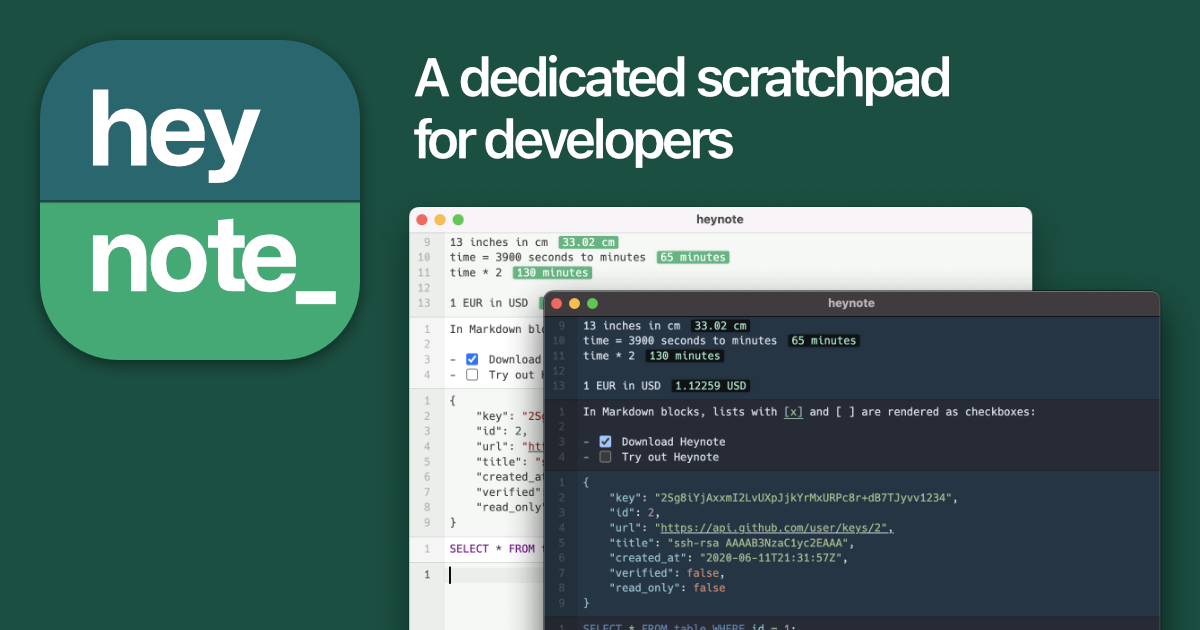
 Heynote (opens in new tab)
A dedicated scratchpad for developers, researchers, creators, hackers, power users, you.
Curator noteNew to me. Allows for a scratch pad. Interesting perspective. I can see using this for temporarily housing text. Useful for AI prompts.
Added by Troy Patterson
 Joplin website (opens in new tab)
Joplin, the open source note-taking application
Curator noteThis is my favorite note taker. Open-source. Plugins allow extension of capabilities. Sync works well. Cross platform.
Added by Troy Patterson